
Which reporting question are you trying to answer? "Which product variants generated the most net sales last month?" points to a very different tool from "Which customers made more than one purchase this year?" or "Show sales and refunds by customer state." Most lists of BigCommerce reporting apps rank dashboards. That's backwards. Start with the decision you'll make from the report, then pick the app that answers that question cleanly.
Know what you already own first. Native BigCommerce Analytics covers merchandising, orders, customers, marketing, and tax. The BigCommerce Ecommerce Analytics support guide describes 11 report types, with most updating in less than 60 seconds. BigCommerce Insights adds repeat-purchase, cohort, product, and average order value (AOV) analysis, meaning total sales value divided by orders. Order exports give you raw rows for spreadsheets. Third-party apps earn their fee when they add custom columns, cross-source data, saved dashboards, scheduled exports, or attribution you can't get natively.
Scale explains why this matters. BigCommerce reported approximately $31.696 billion in gross merchandise volume in fiscal year 2025 in its investor filing. At store level, separate gross sales, discounts, refunds, tax, shipping, and net sales rather than calling every checkout dollar revenue. If you're also weighing ad spend, marketing ROI benchmarking for small businesses helps you judge whether reporting should stop at orders or extend to campaign return.
Table of Contents
- 1. Chartsy
- 2. PayHelm
- 3. Glew
- 4. Zoho Analytics
- 5. SyncRange
- 6. Convertmax
- 7. RetentionX
- 8. Daasity
- 9. Sweet Analytics
- 10. Google Analytics
- BigCommerce reporting apps at a glance
- Choosing the Right Fit and Taking the First Step
1. Chartsy
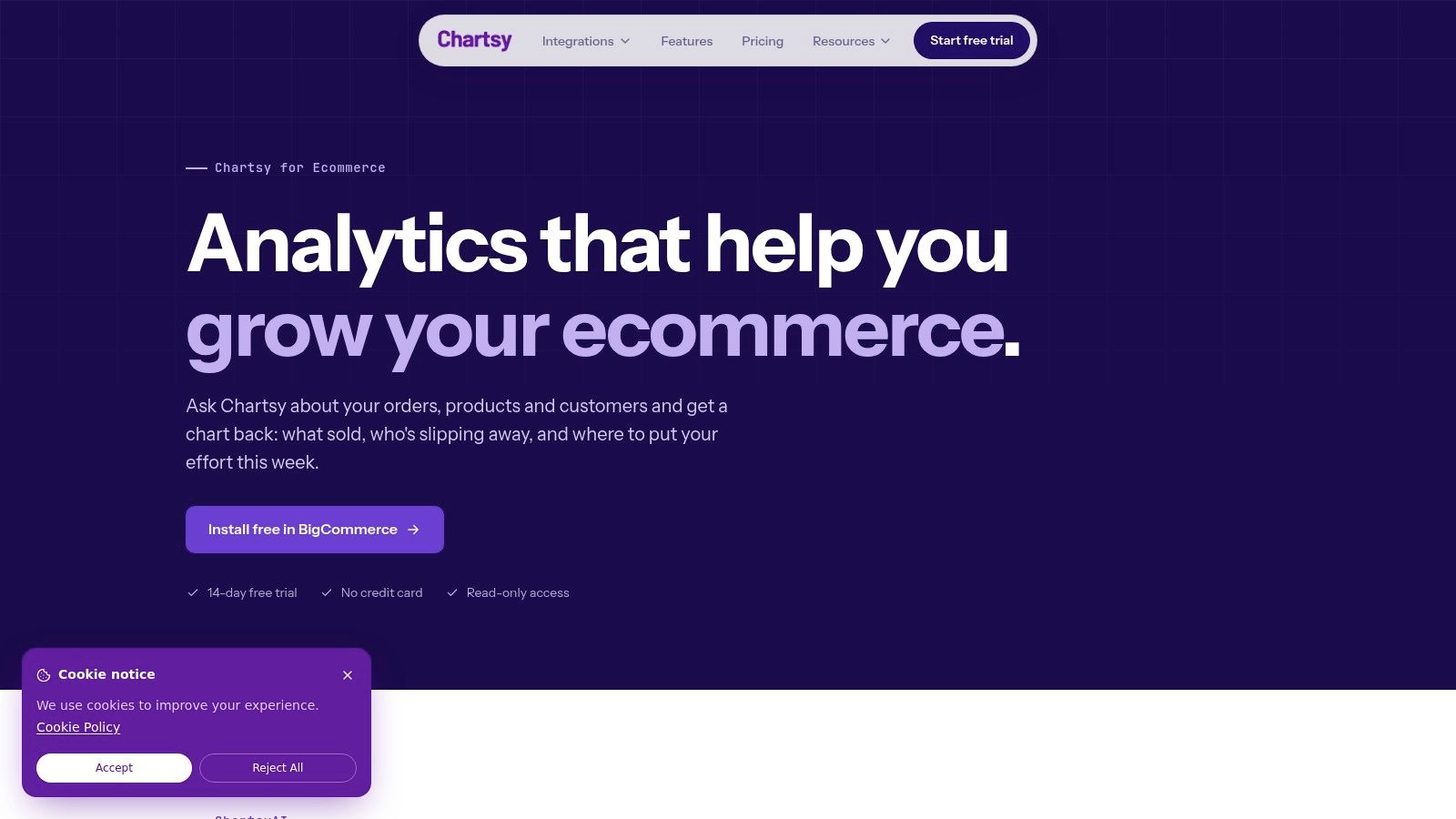
Which SKUs drove the change in sales from one month to the next? Chartsy for BigCommerce lets store teams ask questions in plain English and get charts instantly, with analytics for revenue and product performance at the store, category, product, and SKU levels. Connect a store in minutes and use more than 30 KPIs to examine its performance. Export charts or reports to PDF or PNG, then save useful charts to a dashboard.
Where Chartsy fits best
Chartsy suits teams that want to answer recurring merchandising questions without SQL, such as which products or SKUs are driving revenue. After each query, it suggests smart follow-up questions. Its ML-powered RFM customer segments group shoppers as Loyalists, At-Risk, or Lost, and update monthly. That cadence fits weekly merchandising reviews better than live promotion monitoring. Use the guide to BigCommerce KPIs for ecommerce growth to choose which measures to review.
- Pros: Store, category, product, and SKU-level revenue and performance analytics, plain-English queries, and PDF or PNG exports. The BigCommerce Pro plan starts at $19 per month and includes a 14-day free trial with no credit card required.
- Cons: Chartsy focuses on BigCommerce analytics, and the listing says it may not be fully compatible with multi-storefront stores. It shows no customer reviews yet.
For a management report, ask a specific question about net sales by SKU, then check the result against an order export before relying on it.
2. PayHelm
Choose PayHelm for BigCommerce when your question goes past "What sold?" into "What did we keep after tax, discounts, and costs?" It combines product, customer, marketing, tax, and accounting analysis, with automated syncing, exports, and an AI agent for asking questions about store data. That breadth suits merchants who reconcile reporting with finance records.
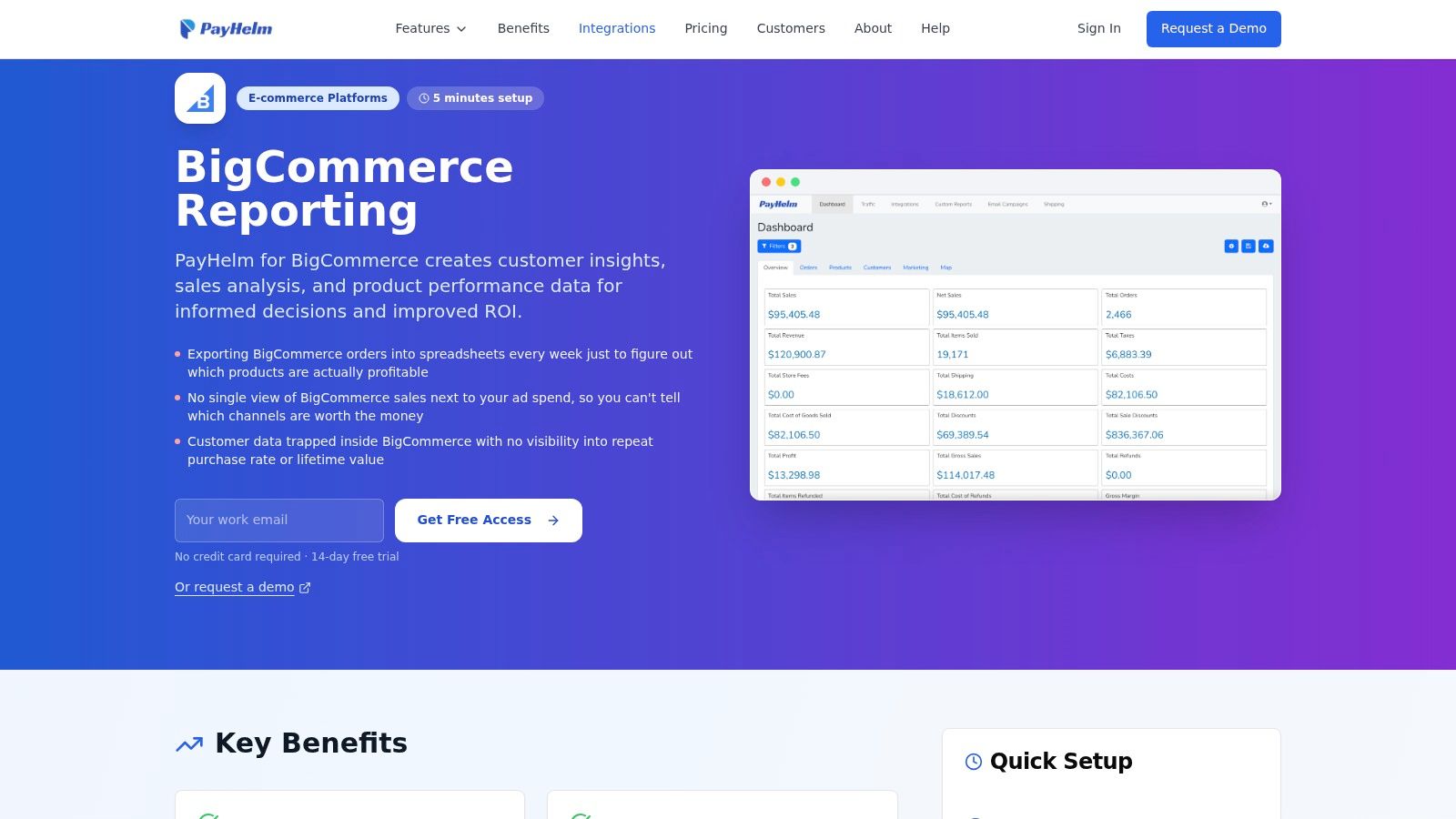
Product reporting runs by SKU, variant, and brand, while customer views cover purchasing and profitability analysis where your data supports it. Don't treat revenue as profit. You still need reliable cost inputs before any profit view means anything. If you're comparing this approach with building your own views, the overview of BigCommerce custom reports shows what flexible columns and filters should let you change.
- Pros: Products, customers, and financial reporting together, compatible with multi-storefront on the listing, and 13 reviews including praise for filtering and easy connection.
- Cons: The marketplace lists $0/month, but that doesn't prove every feature or usage level is free. Its breadth may exceed a small store's needs, and AI answers need checking against order and accounting records.
Confirm plan limits directly before you build a finance workflow around the free listing price.
3. Glew
Glew for BigCommerce answers a cross-channel question. "How do products, customers, and campaigns perform together across our whole stack?" It connects BigCommerce with other commerce and marketing sources, then reports revenue, orders, AOV, visits, and conversion rate alongside customer and product views.
Customer value is the differentiator
Glew emphasizes customer lifetime value, profiles, segments, and purchase behavior. Lifetime value means the sales a customer generates over their relationship with you, not just their first order. Product and SKU reporting can include profit-related metrics where data is available, and scheduled reporting helps teams that send the same pack every week.
Practical rule: Pay for consolidation only when you actually have multiple sources worth consolidating. A single store with clean native data rarely needs this layer.
- Pros: Multiple sources in one analysis, prebuilt dashboards and segments, and 16 reviews on the BigCommerce marketplace.
- Cons: Setup is more involved than a single-store app. Glew Pro is $250/month with annual prepayment, while Glew Plus and advanced custom reporting are custom-priced.
I see Glew as a fit for growing merchants whose reporting pain is fragmentation, not basic sales visibility.
4. Zoho Analytics
What if BigCommerce is only one input to wider business reporting? Zoho Analytics for BigCommerce is a broader business intelligence product with a BigCommerce connector, prebuilt reports, and custom dashboards. You can start with standard store views, then combine BigCommerce results with other business data as questions get harder.
That flexibility comes with setup work. Custom dashboards can require more analytics familiarity than a ready-made reporting app, and you'll need someone who'll own definitions. Decide early whether net sales in your dashboard means sales after discounts and refunds, and whether tax and shipping sit inside or outside that number. Write it down. Two dashboards using the same label differently will waste more time than a spreadsheet ever did.
Cost and refresh trade-offs
The connector is included with paid Zoho Analytics accounts, and Zoho lists a 15-day connector trial on its BigCommerce analytics page. Scheduled synchronization frequency depends on your plan, so check refresh timing against how you use reports. Daily management packs tolerate slower syncs. Live campaign monitoring doesn't.
- Pros: A path from prebuilt ecommerce reports to customized BI, plus cross-source analysis.
- Cons: You need a paid plan, refresh depends on that plan, and build effort is real.
Pick Zoho when your team wants a general BI tool, not only a store dashboard.
5. SyncRange
SyncRange for BigCommerce doesn't try to be your dashboard. It moves data out. If your question is, "How do we stop downloading CSVs every Monday?" that's exactly the job. It exports orders, order line items, customers, products, categories, brands, and coupons to destinations such as Google Sheets, Excel, and BigQuery on a schedule.
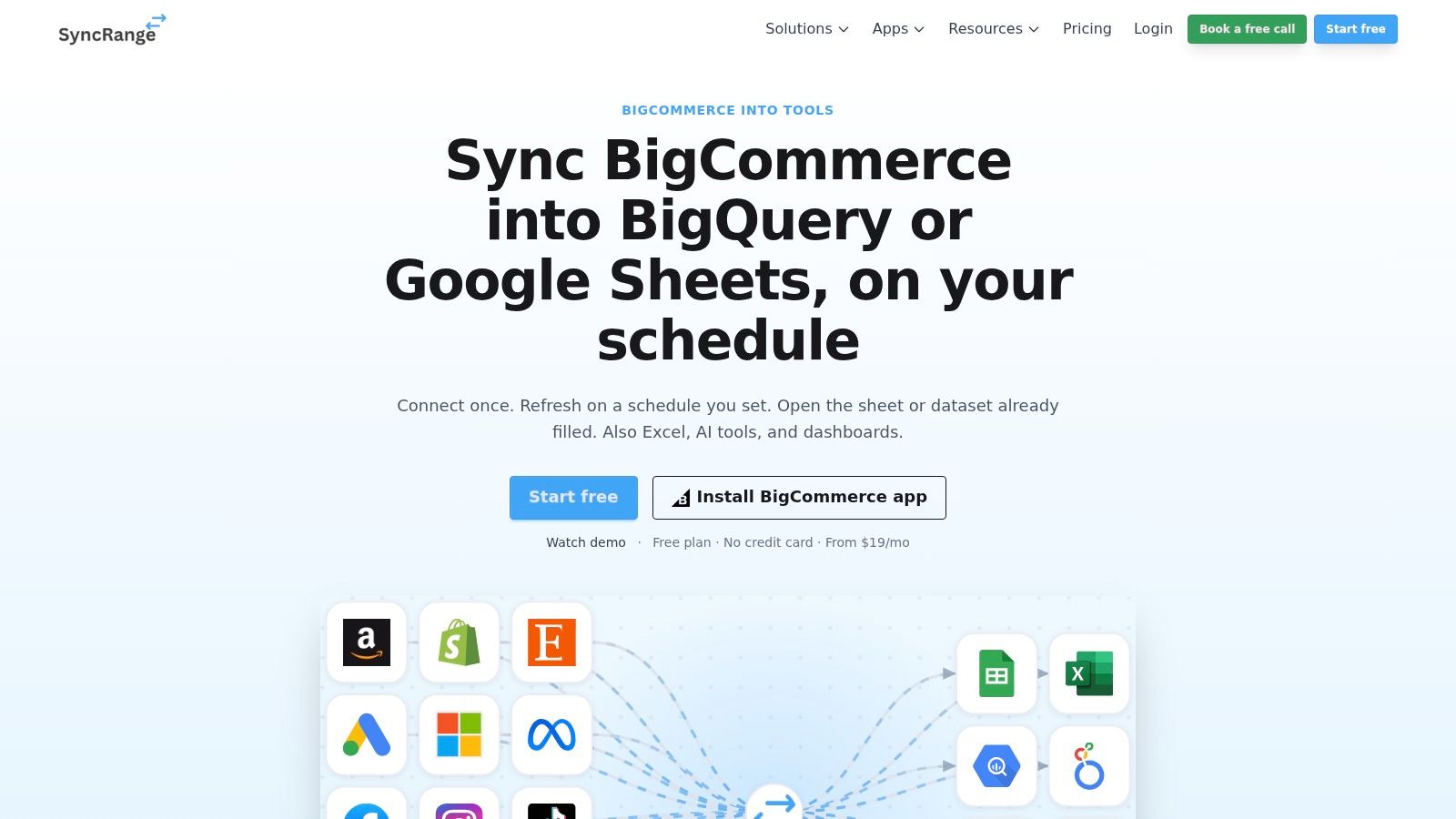
From there, your team builds reports in Looker Studio, Power BI, or a spreadsheet. That gives you full control over columns, calculations, and layout. It also makes you responsible for maintaining every formula and chart. Line-item exports matter here because variant, discount, and tax detail lives at that level, not in an order total.
- Pros: No repeated manual downloads, control over destination and format, and a warehouse option for longer-term analysis.
- Cons: You build and maintain the reports yourself, the BigCommerce listing shows no reviews, and it's a weak fit if you want a ready-made dashboard with little configuration.
Pricing needs a quick check. The marketplace shows $19/month, while SyncRange's own site describes a free starting option. Confirm which limits apply to your export volume before migrating recurring reports onto it.
6. Convertmax
Some stores don't lack sales reports. They lack an answer to, "Which campaign produced this order?" Convertmax for BigCommerce focuses there. It tracks visits, links orders to sessions, and reports attribution inside the BigCommerce admin, so marketers can compare channels against completed orders rather than clicks alone.
That narrow focus is both the appeal and the limit. Convertmax doesn't replace broad product, inventory, or finance reporting. You'll still need native Analytics or another app for SKU performance, refunds, and net sales. It's an attribution layer you add when channel decisions are expensive enough to justify dedicated measurement.
More reports don't automatically mean better attribution. A store can have detailed order data and still not know which visit or campaign started the customer relationship.
- Pros: Attribution addressed directly, campaign performance tied to actual orders, and reporting inside the BigCommerce admin.
- Cons: The marketplace lists $249/month, which is steep for a small store. Confirm tracking behavior and storefront compatibility before relying on channel comparisons, especially if you don't run a standard storefront setup.
I recommend it only when misattributed ad spend costs you more each month than the subscription.
7. RetentionX
Ask "Which customers are worth keeping, and which are drifting away?" and you're in RetentionX territory. It combines customer analytics, conversion tracking, attribution, and automation, with LTV, cohort, and RFM analysis. RFM groups customers by how recently they bought, how often they buy, and how much they spend, which is a practical way to spot loyal buyers versus one-time purchasers.
Analysis that leads to action
Beyond reporting, RetentionX covers product and marketing analytics, churn-risk signals, segmentation, and audience workflows that send groups to marketing channels. That action layer separates it from a reporting-only app. You don't just learn that a segment stopped buying. You can build an audience from it and try to win those customers back.
- Pros: Repeat purchasing and customer value beyond basic sales totals, analytics connected to marketing actions, and a listed starting price.
- Cons: Pricing is custom, starting at $49/month on the marketplace. The listing warns it may not be fully compatible with multi-storefront, and it shows no customer reviews.
RetentionX suits stores with enough repeat buyers for segments to be meaningful. A store where nearly every customer buys once won't get much from cohort tooling yet.
8. Daasity
How is the brand performing across channels when BigCommerce accounts for only part of its sales? Daasity for BigCommerce brings sales, marketing, and operations data into prebuilt reports and customizable dashboards for brands selling through ecommerce, marketplaces, retail, or wholesale.
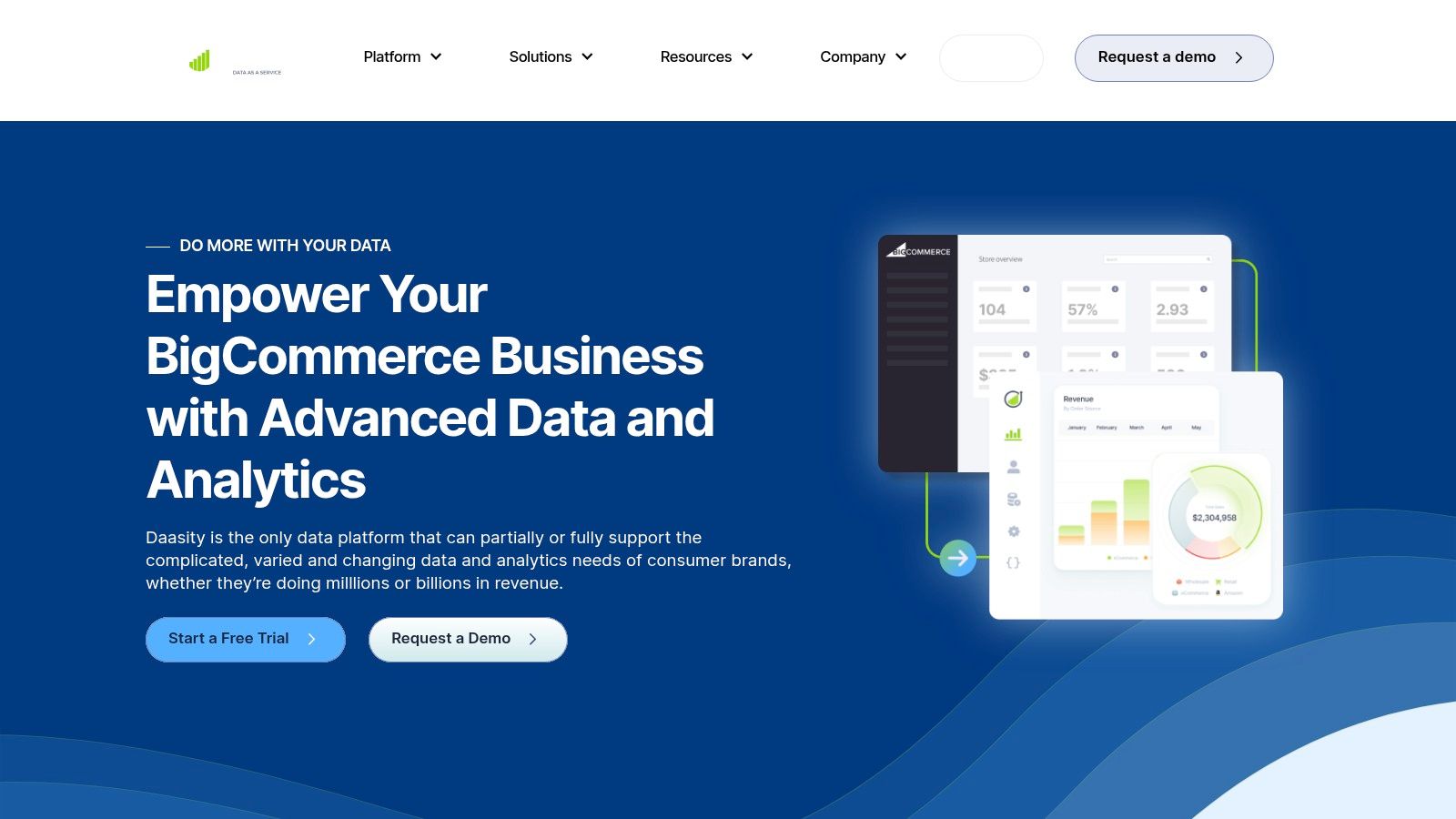
Its customer, LTV, and SKU performance analysis sits alongside marketing and subscription reporting. That consolidated view can help a multichannel operation replace disconnected exports. A single-store merchant focused on basic sales reporting may find the broader setup adds more complexity than value.
Verify the price before anything else
Marketplace and vendor pricing for Daasity differ, so confirm the applicable price and terms directly with Daasity's BigCommerce page before budgeting. The marketplace listing also flags possible multi-storefront compatibility limits.
- Pros: Reporting spans cross-channel sales, marketing, and operations.
- Cons: Pricing needs confirmation, and the wider data setup may be more than a single-store merchant needs.
9. Sweet Analytics
Sweet Analytics pairs customer and marketing data to answer, "What does a customer cost us to acquire, and what do they return over time?" Its BigCommerce listing describes customer lifetime value and acquisition-cost reporting, channel performance, attribution across online and offline touchpoints, and a single customer view across that activity.
The audience builder adds an activation step, sending segments toward marketing platforms. The listing describes integrations including Recharge, Klaviyo, Mailchimp, and Google Ads, which fits businesses whose customer activity spans email, ads, and offline sales. If your reporting need is basic order or product performance, this is more than you need, and native reports plus exports may cover you.
Caution is warranted on currency. The listing shows a 14-day trial and $99/month, but it was last updated in 2023. Verify current availability, integrations, and pricing with the vendor before planning around it. The listing also says it may not be fully compatible with multi-storefront.
- Pros: Marketing return and customer value in shared dashboards, with online and offline activity combined.
- Cons: Dated listing details and multi-storefront uncertainty.
Treat Sweet Analytics as a candidate to validate, not a default pick.
10. Google Analytics
Google Analytics answers the traffic question. "Where do visitors come from, what do they view, and where do they drop off?" The BigCommerce listing describes traffic analysis, ecommerce tracking, advertising ROI measurement, and customized reporting. It's a web and marketing analytics tool, not a complete commerce reporting or accounting system.
Use it as a complement. BigCommerce tells you what orders, products, and customers did. Google Analytics adds the visit and campaign context before checkout. For how those layers fit together, the guide to BigCommerce analytics walks through what native reporting covers before you add tools.
Configuration decides its value
Ecommerce event tracking only helps if it's configured correctly and checked against real orders. Expect some mismatch between session-based analytics and order records, and don't reconcile finances from it. Refunds, partial refunds, tax detail, and variant-level net sales belong in your commerce data, not a traffic tool.
- Pros: Strong for visits and marketing activity, complements rather than replaces BigCommerce reports, and the marketplace lists the integration at $0/month.
- Cons: Not a substitute for detailed order, product, or customer reporting. Usefulness depends on configuration, and the listing warns it may not be fully compatible with multi-storefront.
Nearly every store should run it. Almost none should rely on it alone.
BigCommerce reporting apps at a glance
Which question should a reporting app answer first: sales by SKU, customer retention, marketing attribution, or performance across channels? Compare tools by the job they cover, then check the price and export options.
| Best for | Starting price | Key metrics covered | Export options |
|---|---|---|---|
| Chartsy: BigCommerce teams exploring revenue and product performance | $19/month; 14-day free trial | Revenue and product performance at store, category, product, and SKU levels; 30+ KPIs | PDF or PNG |
| BigCommerce merchants needing product, customer, marketing, tax, and accounting analysis | $0/month listed; plan limits may apply | Product and customer performance, profitability, marketing, financial data | Reports and data exports |
| Merchants consolidating commerce and marketing data across channels | $250/month for Pro; annual prepayment required | Revenue, orders, average order value, conversion, customer lifetime value, products | Scheduled reporting; formats not specified |
| Businesses combining BigCommerce data with broader business data for BI | Paid plan; pricing depends on plan | BigCommerce sales and other connected business data | Scheduled data sync; formats not specified |
| Teams sending BigCommerce data to spreadsheets or data warehouses | $19/month listed; free starting option noted | Orders, order items, customers, products, categories, brands, coupons | Google Sheets, Excel, BigQuery |
| Marketers measuring which campaigns and channels are associated with sales | $249/month | Visits, sessions, orders, campaign attribution | Formats not specified |
| Merchants focused on retention, customer value, and audience activation | Custom pricing from $49/month | Lifetime value, cohorts, RFM, churn risk, product and marketing performance | Marketing audience integrations; report export formats not specified |
| Multichannel consumer brands centralizing sales, marketing, and operations data | From $1,499/month | Customer value, SKU performance, subscriptions, marketing and operations | Customizable dashboards; formats not specified |
| Businesses analyzing customer value, acquisition costs, and online/offline attribution | $99/month listed; verify current pricing | Lifetime value, acquisition cost, channel performance, attribution | Audience-building integrations; report export formats not specified |
| Businesses measuring website traffic and marketing activity alongside store reports | $0/month listed for the integration | Traffic, visitor behavior, ecommerce events, advertising ROI | Customized reports and visualizations; formats not specified |
Choosing the Right Fit and Taking the First Step
Match the app to your primary question first. Variant and SKU net sales questions need line-item detail with discounts and tax handled correctly. The BigCommerce order products documentation notes the line-item total already reflects automatic, coupon, and manual discounts, so a good report shouldn't deduct them twice. Customer retention questions need new versus repeat views, cohorts, or RFM. Attribution questions need visits tied to orders. Buying a tool strong in one area won't fix a gap in another.
Test reconciliation before you judge dashboards. The BigCommerce analytics reports guide states that refunded orders are excluded from order-total and revenue metrics, while partially refunded orders can still contribute their full original total, and store credit isn't treated as a discount. Run sample transactions through any candidate app. Check a full refund, a partial refund, a discounted order, and a taxed order against your payment records. A polished chart with wrong refund logic is worse than a spreadsheet you understand.
Check the practical constraints next.
- Multi-storefront compatibility: Several listings warn they may not be fully compatible, so confirm this in writing if you run multiple storefronts.
- Pricing on the vendor's own page: Marketplace prices and vendor prices don't always match, and free listings can hide paid tiers.
- Setup effort versus flexibility: Export and BI tools give control but demand maintenance. Ready-made apps save time but limit how far you can bend a report.
- Native coverage first: An app should justify its cost against what Analytics and Insights already provide.
On that last point, the Tooltester BigCommerce review reports standard reporting across merchandising, marketing, orders, customers, purchase funnel, cart, search, and tax, with BigCommerce Insights starting at $49 per month in that review. Measure any paid app against that baseline. Time your weekly management report before and after. If the app doesn't cut that time or answer a question native tools can't, it isn't earning its fee.
A sensible first step is a small, real test. Pick the one question your team asks most, such as "Which product variants generated the most net sales last month?" Run it in a trial against live store data, then verify the answer against an order export. Chartsy's 14-day trial, from $19/month with no credit card required, works for that kind of check because you can ask the question in plain English and inspect the breakdown. Whichever tool you choose, let that verified answer, not a feature list, make the decision.
If your reporting still starts with a CSV download and an hour of spreadsheet cleanup, try asking the question directly instead. Chartsy turns plain-English questions about your BigCommerce sales, products, customers, and refunds into charts and dashboards you can reuse every week. Start the trial, run one real question against your live store, and check the numbers against an export before you commit.

Written by
Chartsy TeamAnalytics team at Chartsy
The Chartsy Team writes guides, product updates, and resources to help SaaS and eCommerce founders make sense of their metrics, without SQL or spreadsheets.
Chartsy