Your merchandising manager wants to know which product variants drove net sales last month. The sales dashboard shows revenue, but the answer needs discounts, refunds, and variant details. You export orders, open a spreadsheet, and spend the afternoon checking whether the totals mean the same thing.
The best BigCommerce reporting software depends on the question you need answered. Native analytics is the sensible starting point for standard store monitoring. Dedicated reporting apps help with recurring custom breakdowns. Business intelligence tools offer more control, but someone has to build and maintain the reporting model.
Start by agreeing on the measures. Gross sales describes merchandise sales before deductions under your chosen reporting definition. Net sales subtracts applicable discounts and refunds or returns. Keep taxes and shipping separate unless your report explicitly includes them. Neither gross nor net sales tells you profit without reliable cost data.
Practical rule: Before comparing dashboards, compare their definitions. A matching chart title doesn't guarantee matching numbers.
The options below suit different store questions, from product performance to customer purchasing patterns and website behavior. AI-powered reporting offers a practical alternative to manual spreadsheet work: ask a question in plain English, inspect the calculation, and save the useful result. It doesn't remove the need to validate refund treatment, date ranges, or source fields.
Table of Contents
- 1. Chartsy
- 2. PayHelm
- 3. Glew
- 4. Daasity
- 5. Putler
- 6. BigCommerce Ecommerce Analytics
- 7. Google Analytics 4
- 8. Google Looker Studio
- 9. Microsoft Power BI
- 10. CData Power BI Connector for BigCommerce
- How the BigCommerce reporting options differ at a glance
- Match the Tool to the Questions You Ask Most
1. Chartsy
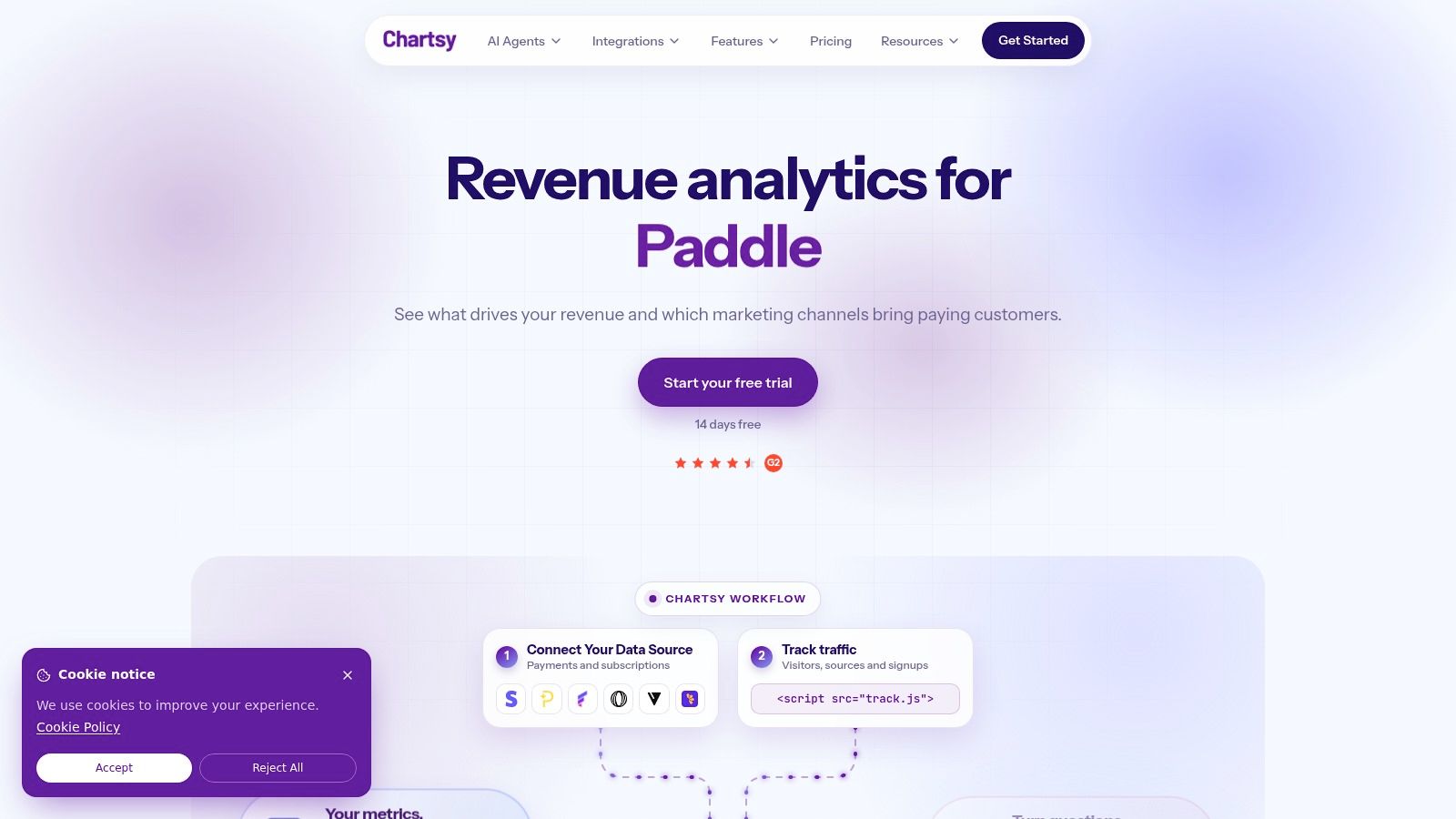
Best for store teams that need custom answers without building spreadsheet models. Chartsy connects to a BigCommerce store in minutes and lets users ask plain-English questions about revenue, orders, products, and customers, then turn the results into charts and dashboards.
A useful starting question is: Compare September and August sales by SKU. A SKU, or stock keeping unit, identifies a particular sellable item. Ask for quantities and sales separately so a price change doesn't look like a change in demand, and state whether you want gross or net sales, since discounts and refunds change the ranking.
What the reporting workflow looks like
Choose the date range, describe the grouping, and specify the calculation you need. For Which product variants generated the most net sales last month?, confirm the connected data carries variant identifiers and refund allocation before accepting the result. Each answer comes back as a chart with suggested follow-up questions, so a first look at SKU sales can lead into refunds by category without starting over.
- Reporting scope: Chartsy's BigCommerce analytics tracks revenue and product performance at store, category, product, and SKU levels, with more than 30 KPIs. It also segments customers through ML-powered RFM analysis into Loyalists, At-Risk, and Lost groups, updated monthly.
- Ongoing use: Save charts to custom dashboards and export reports to PDF or PNG. Share Links, Chartsy MCP, and some other features exist on the SaaS product but not for BigCommerce, so confirm availability before relying on a specific capability.
- Pricing: The BigCommerce Pro plan starts at $19 per month, or $190 per year billed yearly, with unlimited users and AI queries and no per-seat fees. A 14-day trial needs no credit card, and data history options run from 2 to 6 years.
The main advantage is cutting repeated CSV work. The trade-off is paying for an additional reporting layer, and validating custom fields or unusual reporting requirements before relying on them.
2. PayHelm
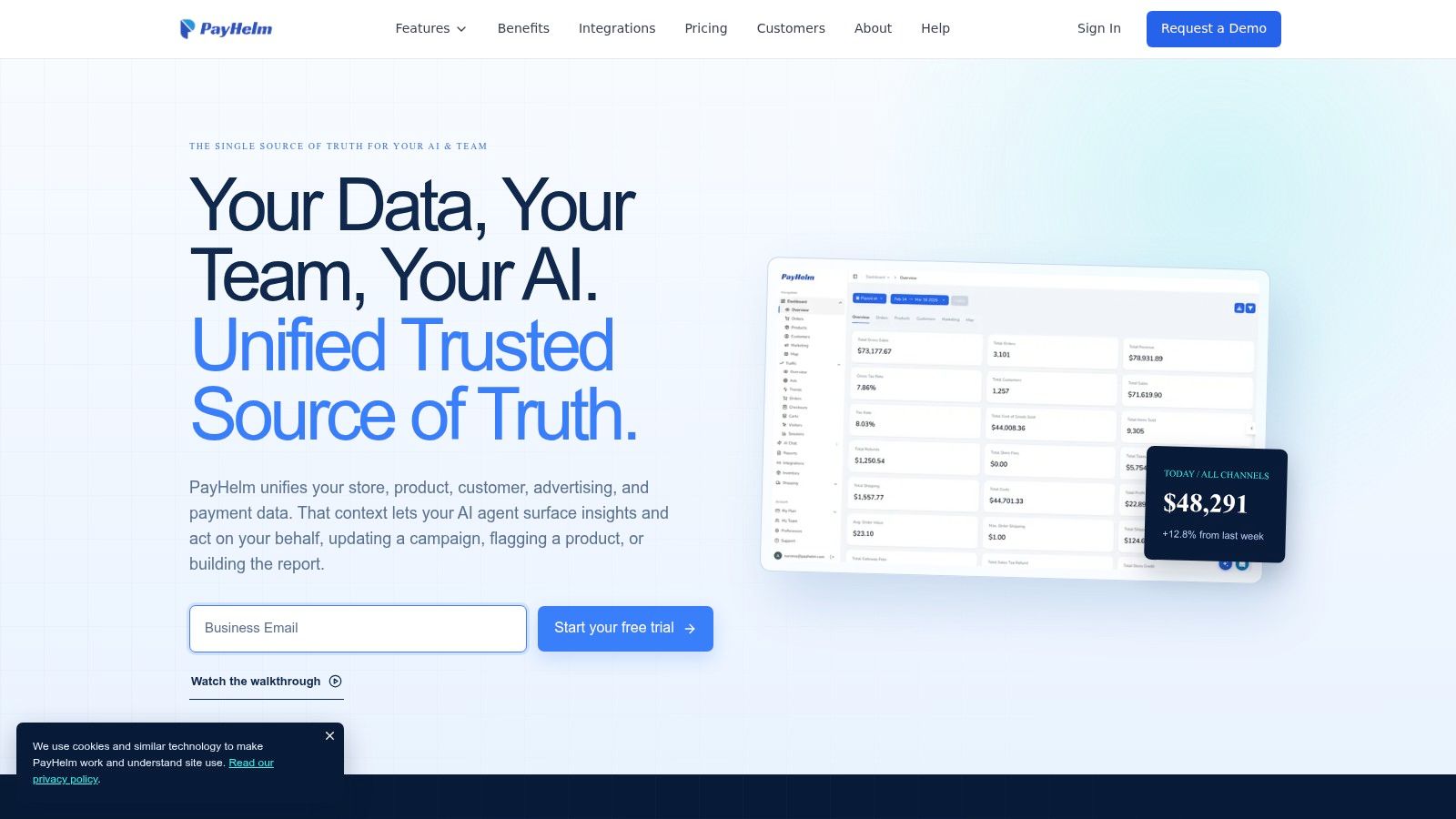
Which products sell well but leave little margin? That's a different question from identifying your highest-revenue products. PayHelm is worth evaluating when you need sales reporting alongside inventory, cost, and margin analysis.
Its BigCommerce offering covers products, customers, orders, traffic, and inventory, with prebuilt reports and custom metrics. Export options include CSV, Google Sheets, email, and API access, making it relevant when your reporting needs extend beyond viewing a dashboard.
Where broader reporting helps
Say a retailer discounts a popular product heavily. Revenue may increase while gross margin falls. PayHelm's cost-based reporting can support that investigation, but only if the merchant supplies accurate costs and understands which expenses the calculation includes.
- Strength: Several operational reporting areas sit in the same product, reducing the need to reconcile separate summaries.
- Evaluation route: Its advertised free plan provides a starting point for testing core reports. Check the current plan limits before choosing it for recurring reporting.
- Trade-off: Broader functionality takes more configuration than a basic sales dashboard, especially when costs and custom metrics are involved.
Test a report showing product sales, discounts, refunds, and available cost fields. Don't accept a profit label until you've checked its formula. Merchandise cost alone doesn't account for every expense, and revenue should never be treated as profit.
3. Glew
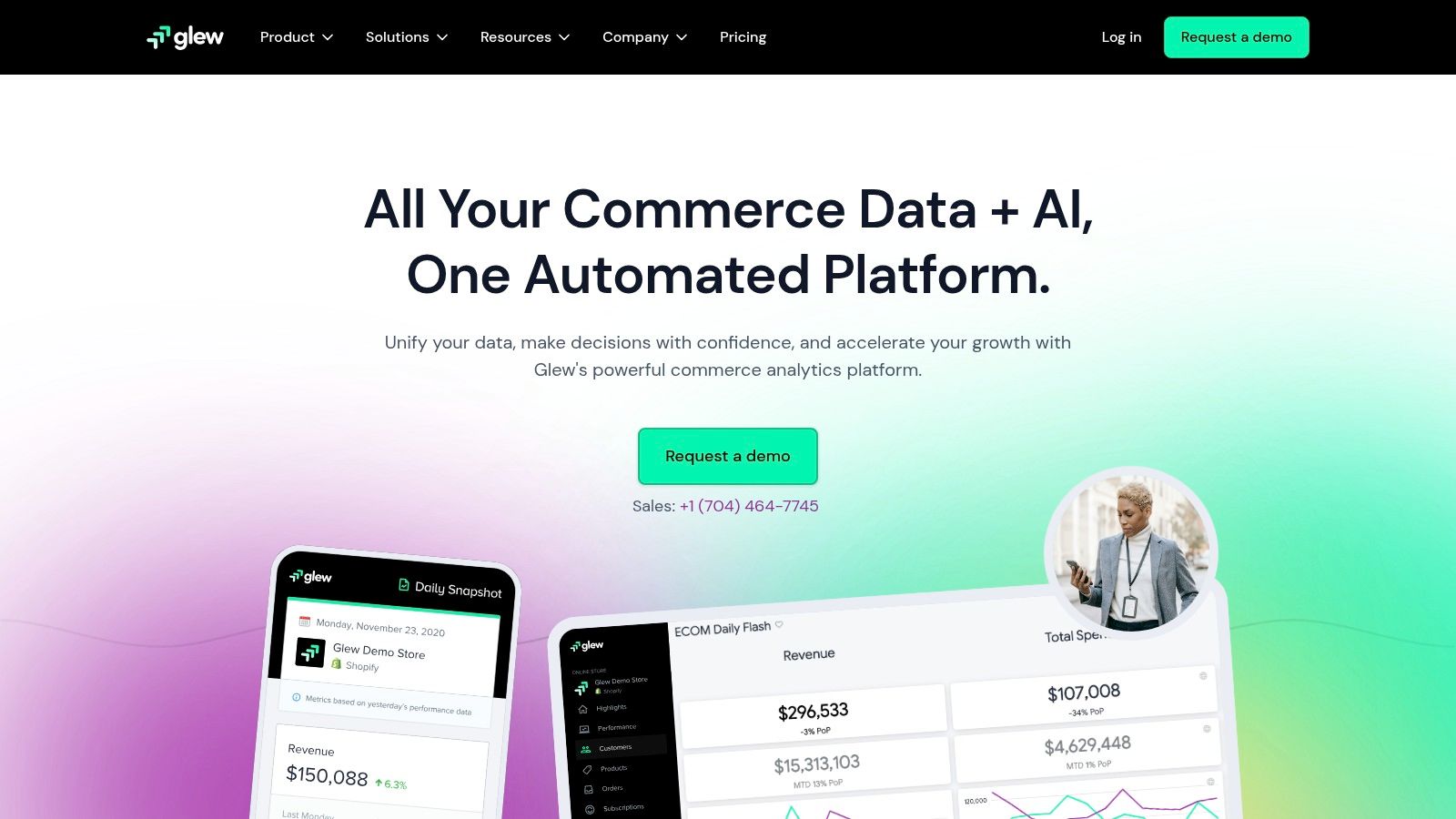
A store manager asks which customers bought again. A marketing manager asks which channels brought those customers. Glew becomes relevant when those questions need a shared view of commerce and marketing data.
Its reporting spans store performance, products, customers, inventory, and connected marketing sources. Prebuilt dashboards include revenue, orders, average order value, traffic, and conversion. Average order value, commonly shortened to AOV, means the average value of an order under the report's selected revenue definition.
Customer analysis versus channel analysis
Customer segments and cohorts help you examine purchasing behavior over time. A cohort groups customers by a shared event, such as their first purchase period. Customer lifetime value describes the value associated with a customer's relationship with your business, but check whether a tool reports historical sales, a forecast, or a margin-based measure.
A channel dashboard is only as useful as its tracking setup. Connecting an advertising account doesn't resolve missing consent, duplicate events, or inconsistent customer identities.
Glew's strength is consolidating multiple sources with prebuilt views. Its trade-offs are setup effort, tier-dependent integrations, and potentially more functionality than a small single-store team needs.
Review the comparison of custom reporting and Glew alongside your reporting requirements. Check current Glew Pro pricing, integration access, and custom reporting limits before committing.
4. Daasity
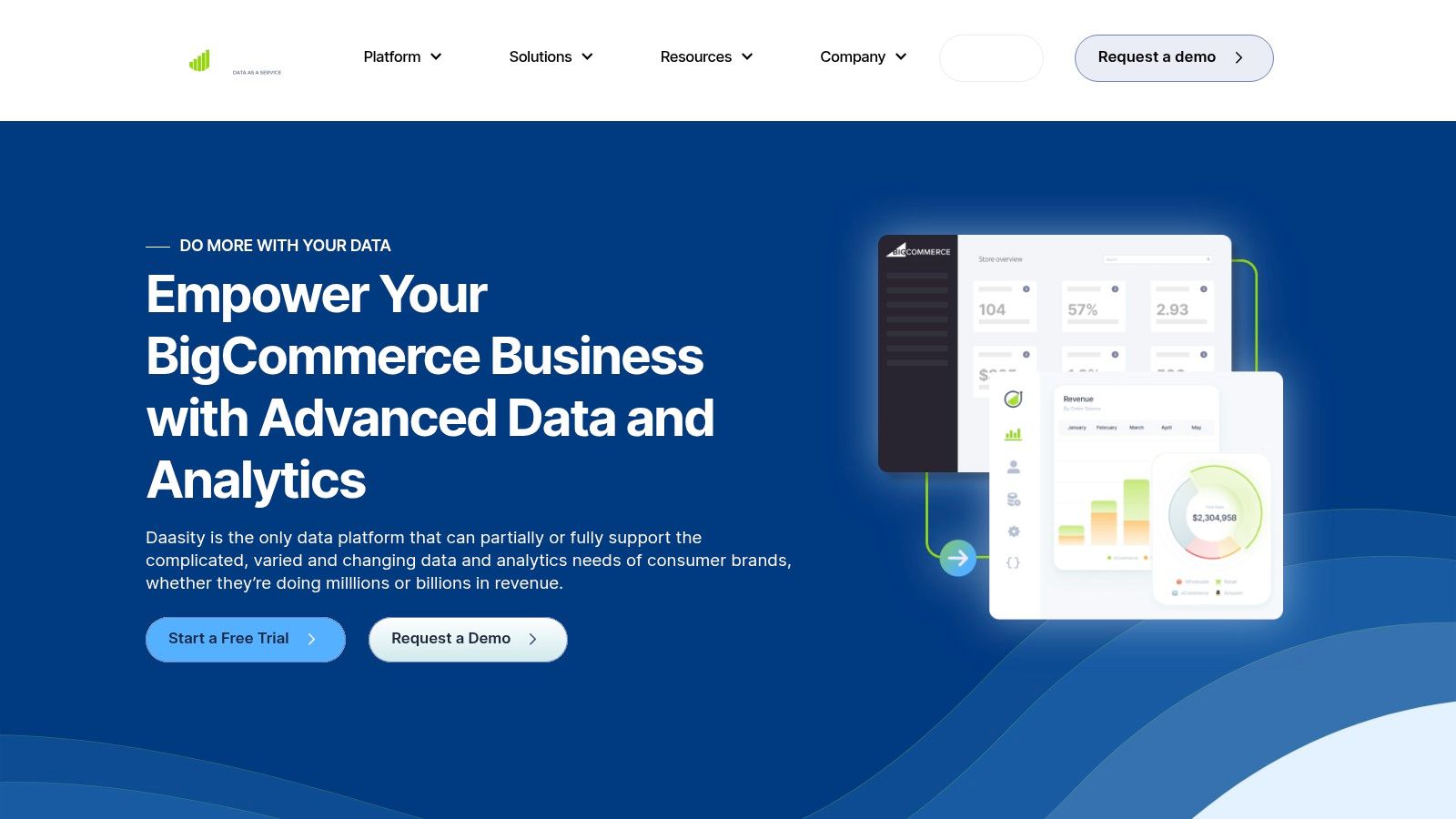
Choose a centralized data environment when the problem crosses departments. Daasity's BigCommerce offering combines commerce data with marketing and operations sources, supported by prebuilt reports and customizable dashboards.
This is a different purchase from adding a product-sales report. It suits a retail brand whose merchandising, operations, and marketing teams need consistent definitions across their reports.
A realistic use case
Suppose category sales increased, but the operations team also sees more returns and the marketing team sees higher acquisition spending. A centralized reporting model can help each team investigate the same period without maintaining separate versions of the sales total.
Daasity also supports sending customer segments to marketing channels. That capability matters only if your team has a clear segmentation workflow and the relevant destinations are supported.
- Strong fit: Multichannel brands that need shared data and custom analysis across business functions.
- Implementation burden: Source connections, historical data, identity matching, and dashboard definitions need deliberate configuration.
- Commercial checks: Confirm onboarding scope, supported data sources, ongoing maintenance, and total cost. Don't assume self-serve app pricing covers the complete implementation.
Prebuilt reports provide a starting point, not an exemption from validation. Ask to see how discounts, refunds, taxes, and canceled orders flow through the reporting model.
For a small operation that only needs monthly SKU comparisons, this approach may involve more work than the reporting problem justifies.
5. Putler
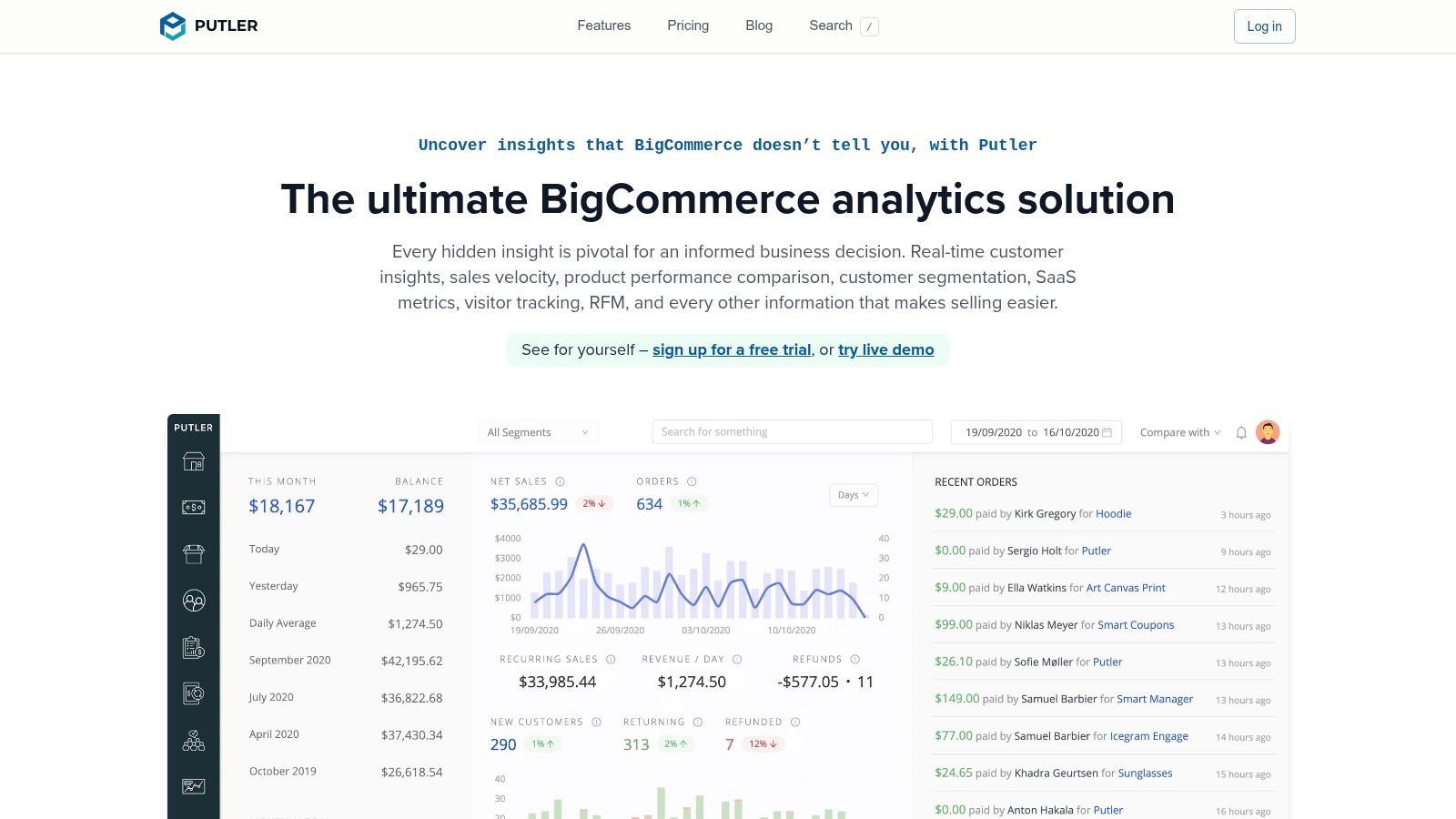
Which customers made more than one purchase this year? Putler's BigCommerce integration is a candidate for customer, product, transaction, and multi-store reporting.
Its appeal is bringing connected stores and payment sources into a shared reporting view. That's useful when a merchant needs to understand purchasing patterns beyond a single storefront, but source overlap needs careful handling.
Count customers, not just transactions
BigCommerce's customer-retention guidance defines repeat purchase rate using customers who bought more than once and total customers, while purchase frequency divides orders by unique customers within a specified period.
Those measures answer different questions. A shopper placing several orders shouldn't become several customers, and a payment transaction shouldn't automatically become another order.
- Useful capabilities: Sales, product, customer, and transaction reports, plus customer segmentation and multi-source analysis.
- Important validation: Check how the system matches customers across stores and avoids duplicating store orders and their associated payments.
- Evaluation option: The integration page advertises a free trial. Use it to reconcile a known reporting period rather than relying on dashboard screenshots.
For a single BigCommerce store, native customer reporting or a targeted export may be enough. Putler becomes more relevant when consolidating sources is itself part of the problem.
Test customer counts, refund treatment, currencies, and source coverage before using a combined total for management reporting.
6. BigCommerce Ecommerce Analytics
Start here if the question is how the store performed. Native BigCommerce Ecommerce Analytics provides store, order, customer, merchandising, marketing, cart, and funnel reporting within the control panel.
The BigCommerce Ecommerce Analytics documentation describes 11 reports, with most updating in less than 60 seconds. Access is permission-controlled, and data collection must be enabled in privacy settings; missed data can't be recovered afterward.
Use the native report before exporting
Open the relevant analytics view, select the available date range and channel filters, and inspect the metric definition. For standard product performance or order trends, that may answer the question without another application.
Keep these options distinct:
- Ecommerce Analytics: The native reporting suite for regular store monitoring.
- BigCommerce Insights: A separate offering for deeper insights, not another name for every native analytics report. Review the BigCommerce Insights product page for its scope.
- Order exports: Extracted records you can filter and calculate in a spreadsheet. An export isn't a custom dashboard or an automatically maintained report.
If you need Show monthly sales by category, including discounts and refunds, first check whether the available report provides those exact fields and definitions. Otherwise, use exported records or a dedicated reporting layer.
The discussion of built-in analytics limitations can help frame that decision. Validate refunded and partially refunded order treatment rather than assuming every revenue total represents net sales.
7. Google Analytics 4
A customer browsed several product pages but didn't buy. An order report can't explain that journey on its own. Google Analytics 4 focuses on website activity, traffic sources, events, and conversion paths.
BigCommerce documents a native GA4 setup for supported storefronts. GA4 can complement order reporting with behavioral analysis, including funnel and path exploration, while its Google Ads connection supports campaign measurement.
Use it for behavior, not the final sales ledger
A useful GA4 question is: Where do visitors leave the purchase journey? A less suitable question is: What were finalized net sales by SKU after all refunds? For that, prioritize order and refund records.
The standard version is free, but implementation still takes work. Confirm storefront compatibility, consent behavior, ecommerce events, and whether purchase events are recorded consistently.
- Strength: Understanding traffic, browsing behavior, and purchase journeys.
- Limitation: It isn't a replacement for detailed customer records, product costs, or store-side financial reconciliation.
- Common mismatch: GA4 and BigCommerce can use different attribution, timing, and revenue definitions.
Improvado's BigCommerce analytics guide describes the fragmented workflow of native store reports, website analytics, advertising platforms, and spreadsheet reconciliation. Treat those systems as complementary rather than expecting identical totals by default.
Reconciliation advice: Keep website conversion analysis separate from finalized store sales reporting. Investigate differences before changing either system to force a match.
GA4 earns its place when you need to understand what shoppers did before checkout, not merely what they ordered.
8. Google Looker Studio

Show sales and refunds by customer state. Google Looker Studio can present that report in a shared dashboard, provided the underlying dataset contains the required location, sales, and refund fields.
Looker Studio is a visualization layer, not a ready-made BigCommerce reporting app. Its core reporting tool is free, but the data connection, warehouse, and maintenance can introduce separate costs.
The BigQuery requirement matters
The documented BigCommerce route uses BigQuery. BigCommerce's API and integration documentation describes an extensible reporting architecture and BigQuery integration for Pro and Enterprise merchants.
Before designing charts, confirm plan eligibility and multi-storefront compatibility. Then define the dataset, load the required records, and decide who maintains the connection.
- Flexible output: Custom charts, dashboard layouts, shared reports, and reusable reporting views.
- Setup requirement: Someone must prepare the data and maintain calculations and joins.
- Definition risk: Customer state might mean billing state or shipping state. Label the choice explicitly.
The guide to custom charts versus prebuilt dashboards explains why a customized view can be useful. The practical trade-off is ownership: your team must keep it correct.
For established recurring reports, that effort can be worthwhile. For occasional ad hoc questions, a spreadsheet export or natural-language reporting app may be faster than maintaining a warehouse-backed dashboard.
9. Microsoft Power BI
Microsoft Power BI makes sense when ecommerce reporting must sit alongside finance or operations data. It's a general-purpose business intelligence platform, not a turnkey BigCommerce analytics application.
Interactive dashboards and data modeling let an analyst build detailed reports across products, customers, and periods. BigCommerce provides documentation and starter-report material, but custom reporting still requires someone to own the model.
Control comes with maintenance
Consider Compare September and August sales by SKU. Building that report involves more than selecting a chart. The model must connect order lines to products, choose the date basis, allocate applicable discounts, and account for refunds without multiplying order totals.
BigCommerce's developer platform exposes APIs for products, orders, customers, and store settings, providing the underlying resources for custom reporting.
- Strong fit: Teams already using Microsoft data tools or combining store data with other company systems.
- Required skills: Data preparation, relationships, calculations, access management, and refresh troubleshooting.
- Cost considerations: Evaluate licensing, connectors, implementation, and ongoing maintenance together.
Profitability analysis is possible only when the necessary cost data is available and correctly modeled. A product revenue dashboard does not become a profit report just because it runs in Power BI.
A small retail team without an analyst may spend more time maintaining this setup than answering store questions. An existing BI team may find the same flexibility valuable.
10. CData Power BI Connector for BigCommerce
A connector solves access, not analysis. The CData Power BI Connector for BigCommerce provides a defined route for bringing store data into Power BI, where your team builds the reports.
That distinction matters when comparing it with dedicated reporting apps. You aren't buying a finished merchandising dashboard. You're evaluating the connection that supports your own data model, calculations, and refresh workflow.
Test fields before building reports
Start with a narrowly defined question, such as sales and refunds by state. Confirm that the connector exposes the required records and identifiers, then build relationships and reconcile the result against known orders.
Field definitions deserve attention. BigCommerce's developer release notes explain that the Storefront GraphQL order total includes tax after gift certificates and store credit are applied. A total based on item prices alone can therefore differ from the shopper-facing amount.
- Advantage: A documented connection for teams that already work in Power BI.
- Trade-off: Connector licensing is another product to evaluate, alongside BI licensing and implementation.
- Freshness check: Refresh mode and configuration determine how current the report is. Don't assume live data.
Use the available trial and documentation to test your actual report structure. Confirm relevant fields, historical coverage, refresh behavior, and permissions before building recurring management reports around the connector.
How the BigCommerce reporting options differ at a glance
The ten options split into three groups. Dedicated apps answer merchant questions inside their own dashboards, the built-in tools cover standard store and traffic reports, and the BI tier produces whatever your team builds on connected data.
| Item | Type | Best for | Pricing signal |
|---|---|---|---|
| Chartsy | BigCommerce analytics add-on | Revenue and product reporting at store, category, product, and SKU level through plain-English questions | From $19/mo or $190/yr; 14-day free trial; unlimited users |
| PayHelm | Ecommerce analytics platform | Store, inventory, and profit reporting | Free plan available; advanced features vary by plan |
| Glew | Multichannel ecommerce analytics | Consolidating commerce and marketing reporting | Glew Pro pricing is public; some features require higher tiers |
| Daasity | Data and analytics platform | Multichannel brands with complex analytics needs | No public self-serve pricing |
| Putler | Multistore ecommerce analytics | Reporting across stores and payment sources | Free trial advertised; paid plan details not public |
| BigCommerce Ecommerce Analytics | Built-in store analytics | Standard store performance and order reporting | Included with a BigCommerce subscription |
| Google Analytics 4 | Web analytics platform | Website behavior, traffic, and conversion journeys | Standard version is free |
| Google Looker Studio | Dashboard and reporting tool | Custom dashboards using connected BigCommerce data | Core reporting tool is free |
| Microsoft Power BI | Business intelligence platform | Custom analysis across ecommerce and other company data | Licensing and connector costs may apply |
| CData Power BI Connector for BigCommerce | Data connector | Connecting BigCommerce data to custom Power BI reports | Separate connector licensing; trial access available |
Getting numbers out differs as much as getting them in. Chartsy exports reports as PDF or PNG. PayHelm pushes data to CSV, Google Sheets, email, or an API. Glew delivers scheduled reports, and BigCommerce exports run from the admin. With the BI tools, export options depend on the reports your team builds, so a CSV extract or a shared dashboard is your call to make.
Match the Tool to the Questions You Ask Most
If your questions are standard, start with BigCommerce's native analytics and a monthly export routine. Check product performance, order trends, and customer summaries there before adding another subscription. Use an export when a specific calculation is occasional and straightforward enough to review manually.
If you regularly need custom breakdowns by variant, SKU, or customer group, test a dedicated reporting tool against a real question from last month. Net sales by product variant after discounts and refunds is a useful test because it exposes differences that a headline revenue dashboard can hide.
Compare the answer, not the screenshot
Give each shortlisted tool the same date range and reporting definition. Specify whether refunds belong to the refund date or the original sale period, whether tax is excluded, and which order statuses count. For product-level reporting, inspect how order-wide discounts and refunds are allocated.
- For merchandising teams: Compare units, gross sales, discounts, refunds, and net sales by SKU or variant. Don't infer profitability without costs.
- For customer reporting: Separate unique buyers from orders, and define returning customers consistently across periods.
- For management dashboards: Confirm available history, refresh frequency, user access, exports, and who maintains the report.
- For BI projects: Include connector, warehouse, licensing, and maintenance costs in the decision, not just the dashboard software.
A dedicated app is usually the practical choice when a small team needs repeated custom answers but doesn't want to maintain SQL or spreadsheet formulas. A broader commerce platform may fit better when inventory, costs, and multiple marketing sources are central to the decision.
Looker Studio and Power BI suit teams that need control over the reporting model and have someone responsible for it. Their flexibility isn't free operationally, even when the visualization software has a free entry point. BigQuery eligibility, connector configuration, and multi-storefront coverage can determine whether the setup is viable.
The right tool should shorten the path from question to decision without making the numbers harder to explain. Reconcile a sample of orders, inspect the calculation, and confirm the output is useful to the person making the decision. Then save the report and establish a repeatable review routine.
Don't migrate every report immediately. Replace the most time-consuming recurring export first, and expand only when the new workflow produces an answer your team can trust.
Chartsy offers plain-English BigCommerce analysis for sales, products, orders, and customers, with custom dashboards and PDF or PNG exports. Visit Chartsy and test a specific question, such as comparing monthly sales by SKU, then check the result against your store records before making it part of your reporting routine.

Written by
Chartsy TeamAnalytics team at Chartsy
The Chartsy Team writes guides, product updates, and resources to help SaaS and eCommerce founders make sense of their metrics, without SQL or spreadsheets.
Chartsy