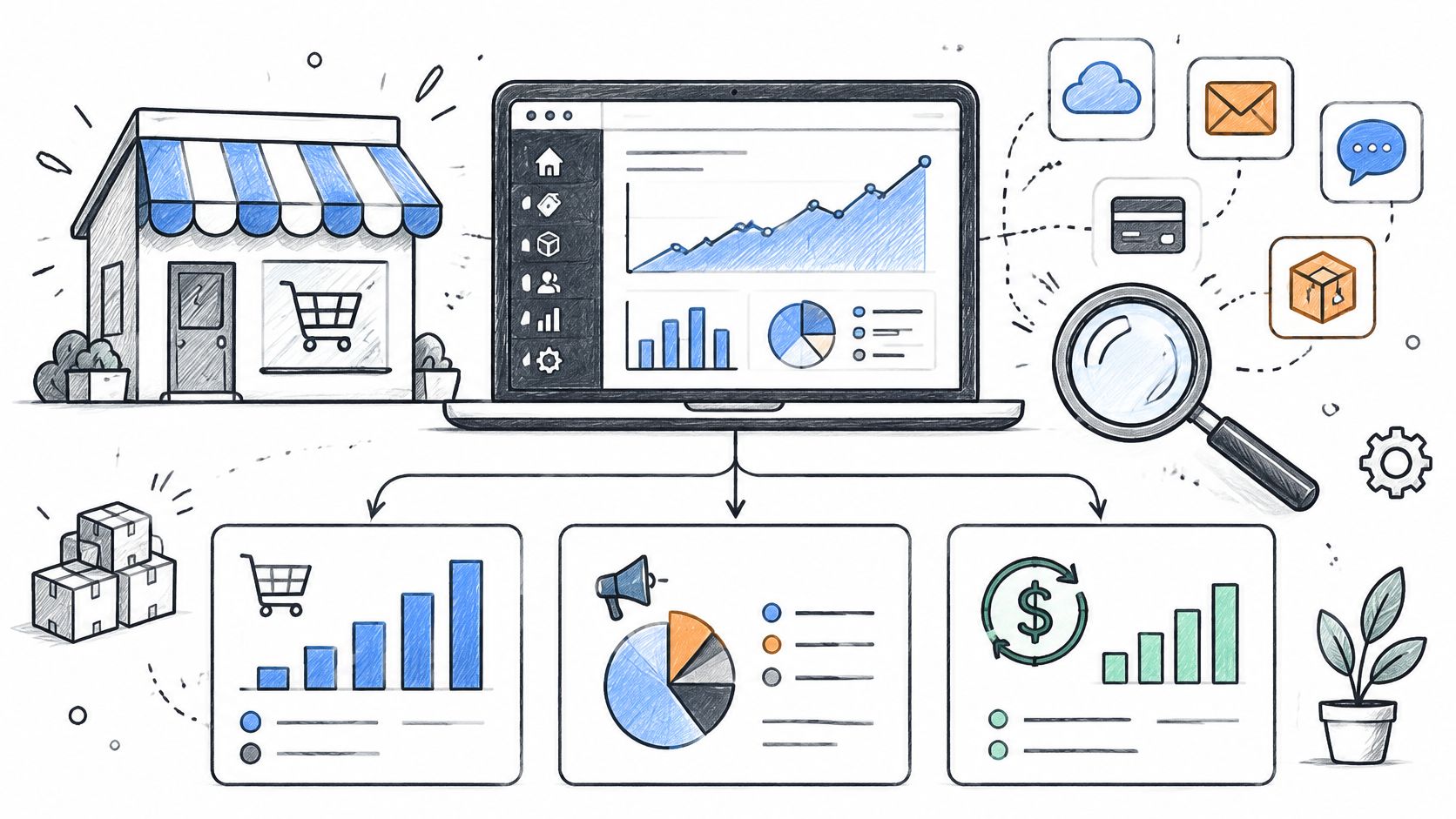
You filter last month, sort by product, and still cannot see which variant cleared the most money after discounts and refunds. You want August beside September. That afternoon is when most BigCommerce owners start looking for a BigCommerce Insights alternative.
Net sales means the sale price after discounts. It is not AOV, the average order value, which is how big a typical order is. It is not profit, because profit needs a product cost you have. A SKU is the stock keeping unit that tells one size or color from another.
If you cannot name the refund rule your total uses, do not compare two months yet.
This list is ten options grouped by job, not a ranking. Store sales and refunds. Customers and products. Marketing credit. Dashboards you build on a data warehouse. For each I say what it answers, where setup or price hurts, and when native reports are enough.
Take Jordan, a hypothetical home-goods manager, not a real store and not a result. Jordan needs net sales by variant for last month, then the same view for the month before.
I would keep native reports for a weekly store total. I would leave them when variants, partial refunds, and two months must live in one saved view. Chartsy's BigCommerce analytics lets you ask in plain English and get charts, connects in minutes, and includes 30+ store KPIs, so it is one option here, not the automatic pick. Before you score ads, read why ROAS can hide profit differences.
Table of Contents
- 1. Chartsy
- 2. PayHelm
- 3. Glew
- 4. Google Analytics 4
- 5. Looker Studio
- 6. Google BigQuery
- 7. Microsoft Power BI
- 8. BigCommerce built-in analytics
- 9. Google Sheets
- 10. BigCommerce multi-touch Attribution app
- How the BigCommerce Insights alternatives differ by primary job, best-fit team, and pricing signal
- Matching the Tool to the Question You Need Answered
1. Chartsy
Jordan can ask, “Which product variants generated the most net sales last month?” and then compare September with August by SKU. Chartsy's BigCommerce analytics turns plain-English questions into charts instantly.
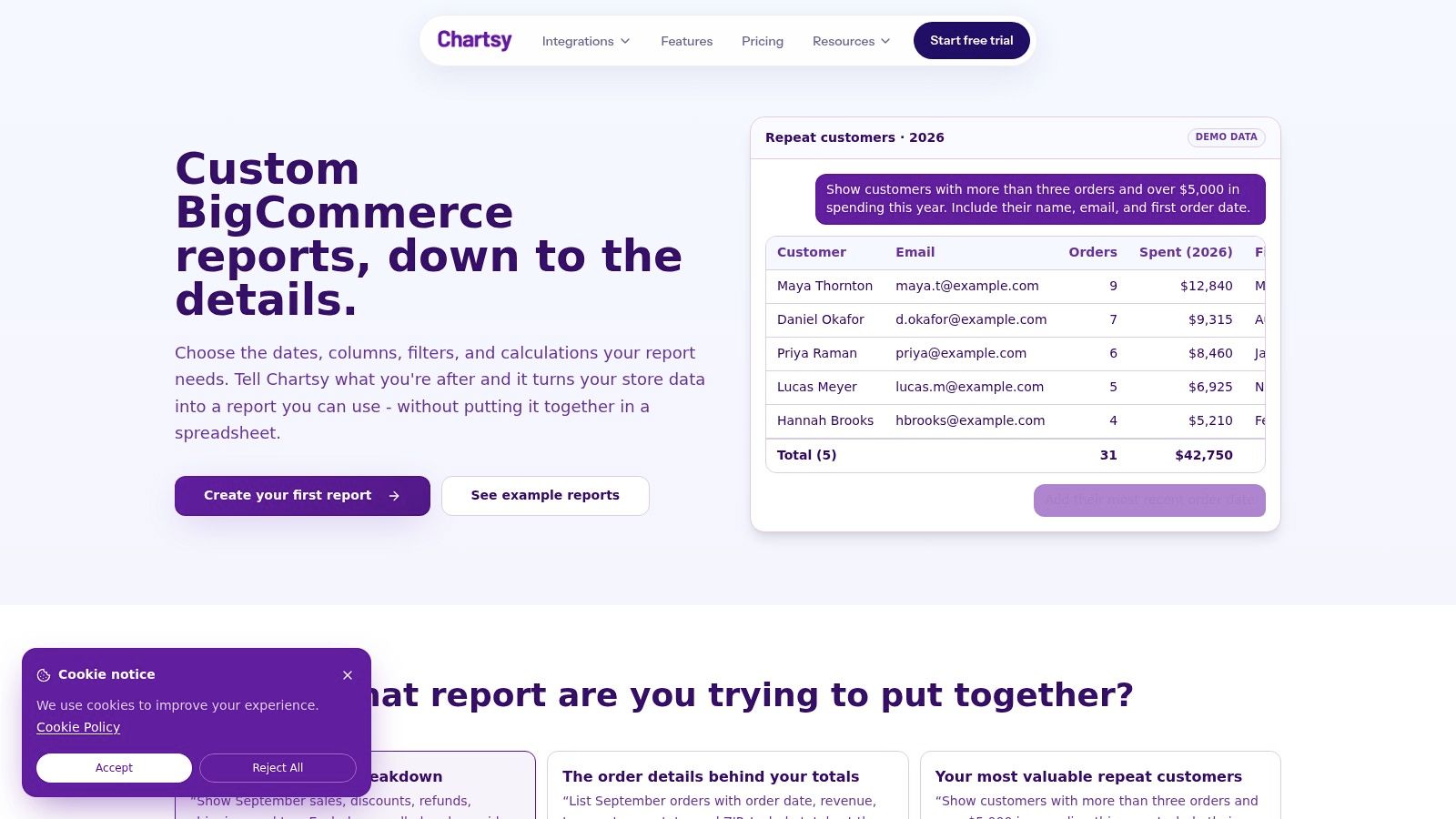
Chartsy connects to a BigCommerce store in minutes and provides more than 30 KPIs. It tracks revenue and product performance at store, category, product, and SKU levels. Charts can be exported as PDF or PNG, and smart follow-up question suggestions appear after every query.
What those questions can cover
- Store and product reporting: Explore performance across store, category, product, and SKU levels.
- Customer segments: Monthly ML-powered RFM segmentation groups customers as Loyalists, At-Risk, or Lost. These segments describe purchasing behavior, not subscription churn.
- Follow-up analysis: Suggested questions help store managers explore a result without writing SQL.
Chartsy's BigCommerce plan starts at $19 per month. The Pro plan includes unlimited plain-English AI queries and unlimited users with no per-seat fees. Choose it for conversational store and product analysis; it is not a custom data warehouse or a real-time reporting feed. See the BigCommerce analytics page.
2. PayHelm
PayHelm is the wider commerce login. Products, customers, orders, refunds, and profit-related metrics can sit next to marketing once those sources are connected. Jordan can still cut by SKU and variant. Paid tiers add custom reports, dashboards, and an AI chat.
The free entry tier is enough to see whether store totals look right. Attribution, traffic, and some custom boards sit on paid plans or add-ons, and the bill can move with users or sales volume. Breadth is the trade-off. A shop that only wants last month's net sales will click past half the menu.
Where the extra scope earns its keep
- Past the register tape: Product, customer, order, revenue, and refund reports go beyond one sales number.
- Attributes: Product analysis can break out by SKU and variant.
- Mixed sources: BigCommerce can sit beside other commerce or marketing connections.
I would choose it when marketing context belongs in the same place as product sales. I would not choose it only to avoid a spreadsheet for one monthly table. A profit tile is still not margin until your costs are in the model. The product home is PayHelm.
3. Glew
Say Jordan also sells on a second channel and wants customer lifetime value, the total a buyer has spent with you, next to campaign reporting. Glew is built for that spread. It joins BigCommerce with other commerce, marketing, and sales sources, then dashboards cover revenue, orders, visits, AOV, and conversion, plus product reporting and daily snapshots.
A single catalog and one ad account do not need that machinery. Depth and price change by plan, and a managed data option is more than a handful of store reports.
- Customer side: Profiles, purchase behavior, and segments sit beside store KPIs.
- Channel side: Marketing-channel reporting is part of the product, not a file you maintain.
- Cadence: Scheduled reports and daily snapshots replace the Monday export.
If the only gap is a variant net-sales table, this is too much tool. If the gap is which channel's buyers come back, the setup can earn it. A closer look is in a side-by-side of plain-English store reporting and Glew. The product site is Glew.
4. Google Analytics 4
GA4 does not know refunded line items the way an order system does. It knows sessions, sources, and the ecommerce events you send. BigCommerce can pass supported storefront events once that connection is configured. Jordan can see which landing pages sit in front of a purchase event. Jordan cannot treat that event count as net sales by SKU.
A session report and an order report answer different questions, so the totals will not match, and that mismatch is not a broken export.
- Traffic: Sessions, sources, and on-site behavior are the core job.
- Events: What you measure depends on the events you enable.
- Cost: Standard access is free, which is why it stays even when another tool owns sales.
I use it beside store data, never instead of it, for customer lists, refunds, or profit. Subscription revenue math is outside its job, and outside what most of these stores need for a merchandising question. Configure it in Google Analytics.
5. Looker Studio
A September-versus-August variant report can work in Looker Studio, provided the store data is available and someone has defined net sales consistently. Net sales means sales after deductions such as refunds. Without a shared definition, the chart can change meaning from month to month.
Looker Studio is a free reporting canvas, not a ready-made store analytics app. Someone still needs to build and maintain the data model behind its charts. For a practical walkthrough, see this guide to building a BigCommerce dashboard without hiring a developer.
The cost is maintenance, not the license
- Layouts: Build charts, tables, and filters around the questions buyers ask.
- Google stack: Combine data sources you already use, once they are available to the report.
- Sharing: Give stakeholders a report link instead of emailing a file.
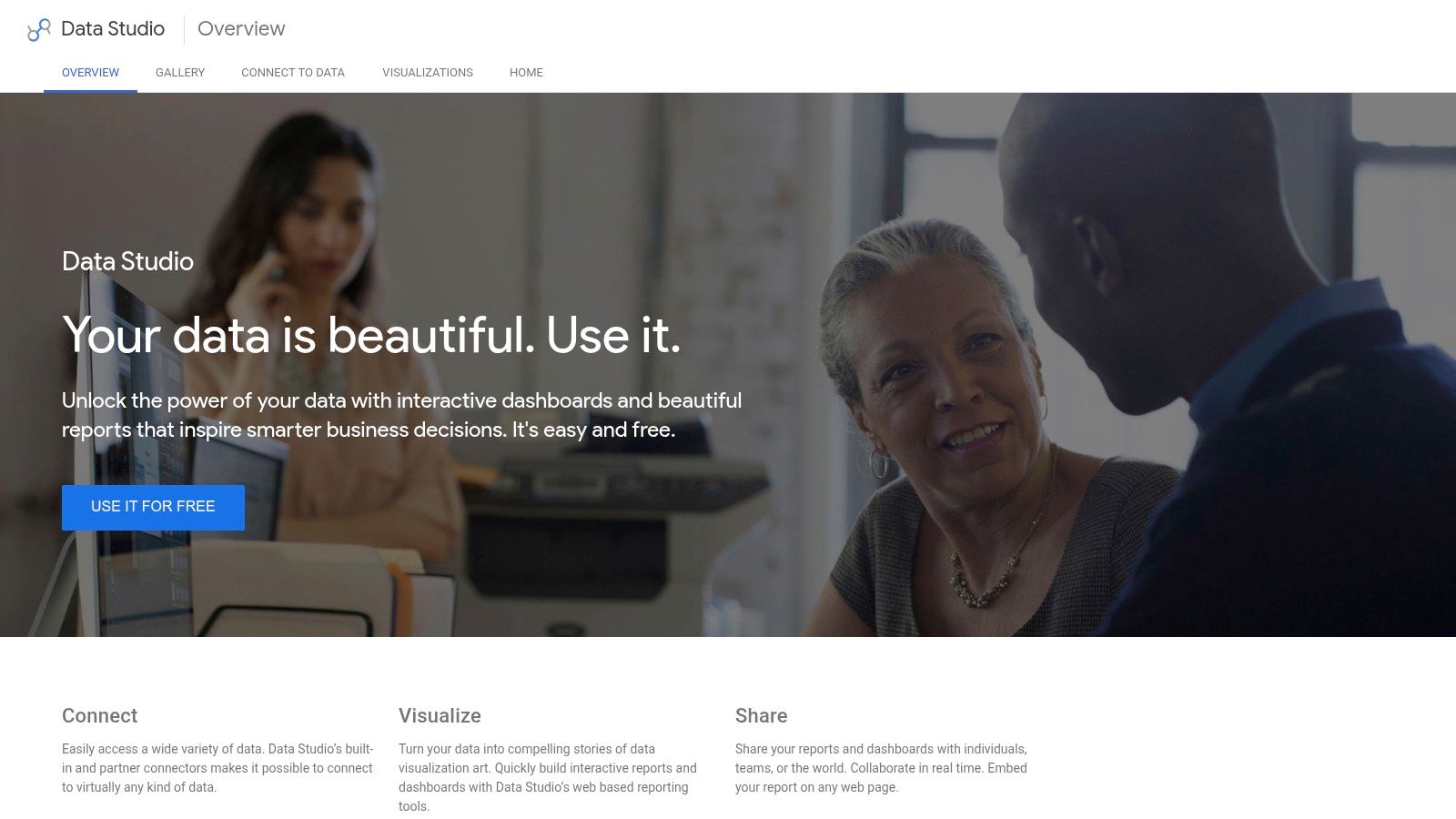
Catalog changes can break fields, so someone must maintain the report as its underlying data changes. Start with Looker Studio once the data source is ready.
6. Google BigQuery
BigQuery stores the rows. It does not hand Jordan a variant chart on day one. The Looker Studio listing describes a built-in BigQuery integration that makes store data available for custom reporting. From there you can join finance or ads extracts, if you have them and if someone can model them.
A warehouse pays off when the same cleaned orders feed five reports. It does not pay off for one monthly SKU table.
- Central store: Orders can live with the marketing or finance extracts you choose to load.
- Tool choice: Looker Studio, or another BI product, reads whatever you modeled.
- Ongoing cost: Query volume and a person who owns the schema both add up.
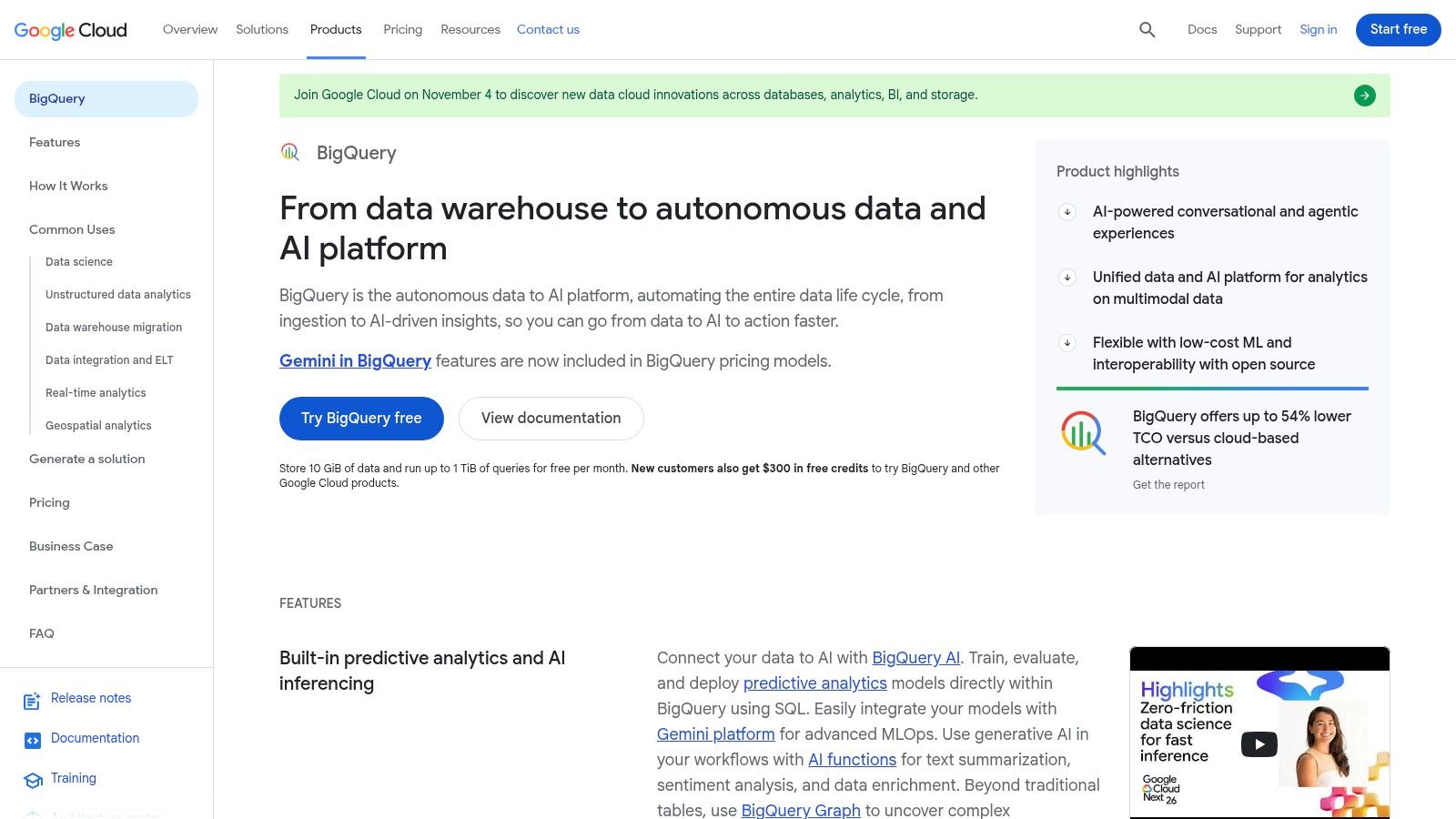
I would not stand this up to answer "show sales and refunds by customer state" one time. I would if that cut, plus tax and channel cuts, must stay consistent for years. Read Google BigQuery before you commit a project.
7. Microsoft Power BI
If the company already lives in Microsoft, Power BI is the familiar place for a commerce model. It is not a BigCommerce plug-in that appears after install. Someone has to land orders in a database or warehouse, then build the measures.
Refund rate, refunds divided by the gross sales figure you agreed on, belongs in that model only after gross sales matches the store. Jordan's two-month SKU compare becomes a recurring management page once those measures exist. Until then the blank report is homework.
- Cross-department: Finance actuals can sit next to order lines when both sources are loaded.
- Recurring packs: Scheduled views suit a team that meets on the same cuts every month.
- Skill bar: Data prep and model design are the work, not a hidden setting.
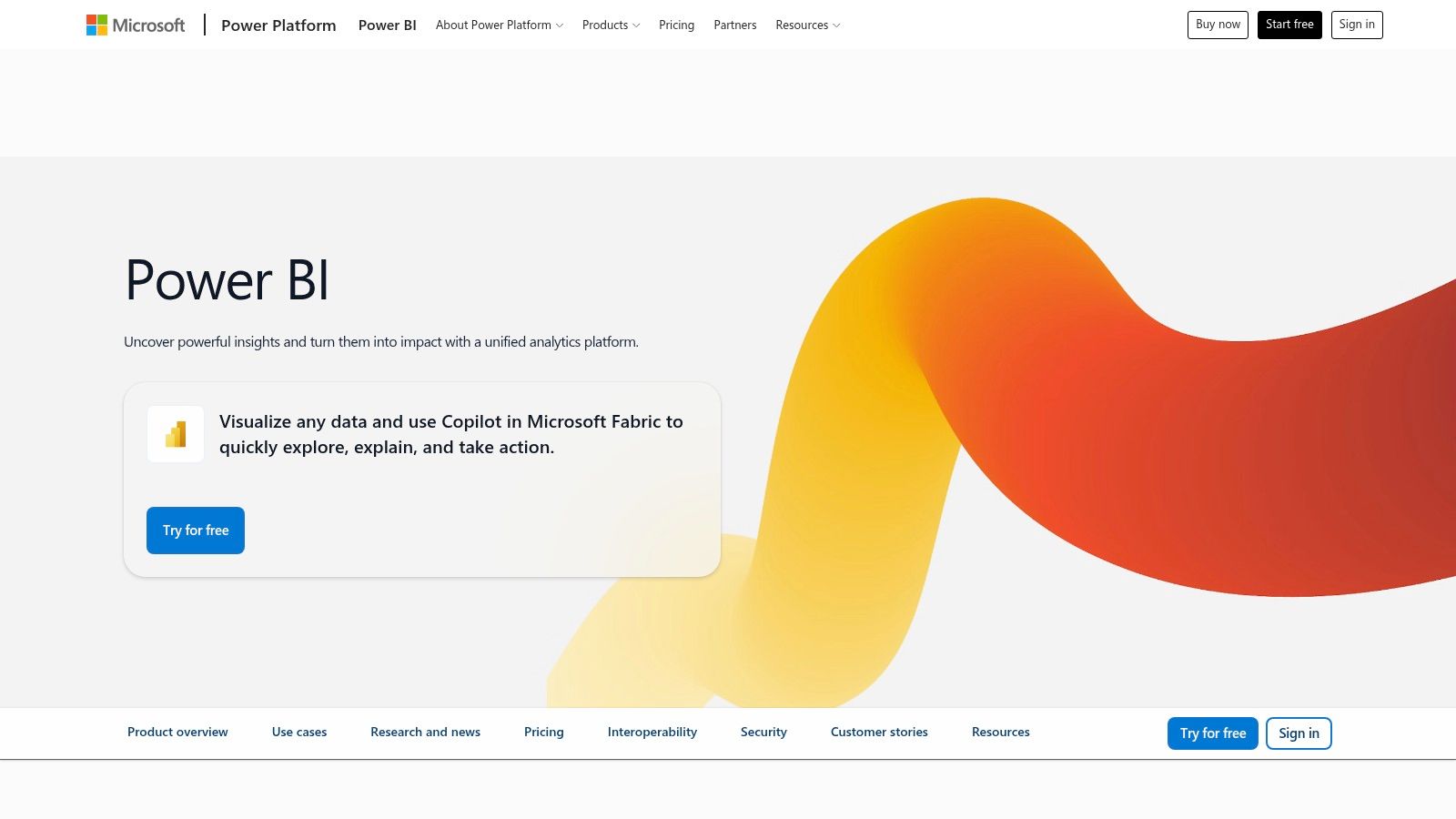
A three-person shop that only needs category sales with discounts will feel the weight. A team that already has a Power BI author will not. The product home is Microsoft Power BI.
8. BigCommerce built-in analytics
Open the native views before you add a vendor. Sales, orders, channels, conversion, and product or customer trends live in the platform, and the screens you see can depend on plan.
Advanced reports such as "When were your carts converted?" are restricted to Insights subscribers, while standard cart reporting is broadly available, according to BigCommerce's Insights article. Having analytics and having Insights are not the same thing.
The Customers Report is built for new versus returning buyers. It shows where they came from, the new-versus-returning percentage, total spend, and the latest order date, per the Ecommerce Analytics guide. That is the native path for "which customers made more than one purchase this year," inside the filters on screen.
- No extra vendor: The views sit in the admin you already pay for.
- Real ceiling: Odd column sets and data from outside the store are where teams leave.
- Read next: Where built-in analytics run out states that limit without telling you to skip the native pass.
Start at BigCommerce Insights.
9. Google Sheets
Sheets is the tool people already know. It is also where definitions drift.
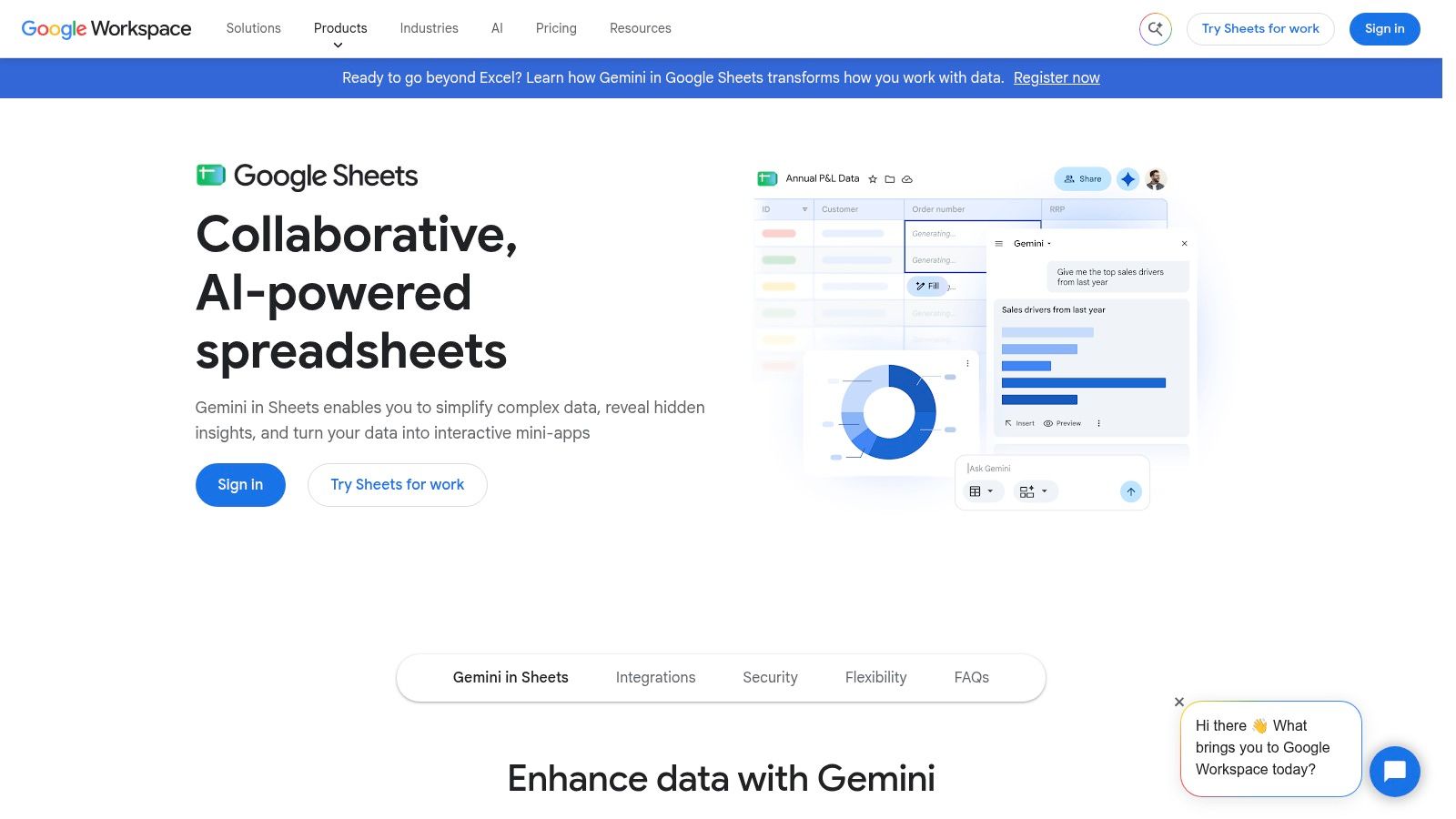
You can export all orders or a filtered set from Advanced Search, using date, shipping method, or status, as CSV or XML. A custom template picks fields such as order ID, customer ID, email, order date, status, subtotals with and without tax, and tax total, as the order export article describes.
Rebuild the math on purpose. The Orders Report defines revenue as each line's sale price less order-level discounts, times quantity. Refunds are not one bucket. Orders with status Refunded drop out of order-total and revenue metrics, while Partially Refunded orders keep their full total, including the refunded amount, per BigCommerce's analytics reports guidance.
- Good for: A one-off "show monthly sales by category, including discounts and refunds" while you learn the columns.
- Bad for: A shared file with no owner for the net-sales formula.
- Bridge: Prove the question in the sheet, then stop pasting exports once it repeats every week.
Google Sheets is enough until the refresh itself becomes the job.
10. BigCommerce multi-touch Attribution app
This marketplace listing is narrow, and that is the point. It describes first-touch, last-touch, and multi-touch models that assign revenue to channels. Jordan does not need it to rank variants. Jordan needs it only if the meeting is about which channel gets credit.
Native BigCommerce reporting does not include advertising spend, so it cannot calculate CAC, ROAS, or payback, as this analytics tools write-up explains. An attribution app tries to fill the credit question. It still does not know your ad invoice unless spend is part of the setup, and the model you pick changes who wins.
- Models: First, last, and multi-touch tell more than one story about the same orders.
- Scope stop: Product mix, refunds, and customer segments are not this app's job.
- Check the listing: Features and price can change, so read the current page before you install.
I would add it only after store net sales are already trustworthy. Credit on a muddy sales number just spreads the mud. The listing is the Attribution app.
How the BigCommerce Insights alternatives differ by primary job, best-fit team, and pricing signal
| Item | Primary Job | Best For | Pricing Signal |
|---|---|---|---|
| Chartsy | Ask plain-English questions about BigCommerce data and get charts instantly | Store teams analyzing revenue and product performance without SQL | Pro starts at $19 per month billed monthly or $190 per year billed yearly |
| PayHelm | Commerce analytics across store and marketing data | Merchants seeking store and multi-channel reporting | Free entry-level access; paid tiers and add-ons |
| Glew | Cross-platform commerce, customer, product, and marketing analytics | Merchants combining data across business sources | Paid plans; cost depends on the plan |
| Google Analytics 4 | Measure website activity, acquisition, and ecommerce events | Understanding traffic and on-site behavior | Free standard access |
| Looker Studio | Build custom reports and dashboards | Teams prepared to connect and manage BigCommerce data | The listed app has no upfront or recurring fee |
| Google BigQuery | Store and combine data for analytics | Businesses building a custom reporting foundation | Usage-based charges for data storage and queries; setup may also require implementation work |
| Microsoft Power BI | Create custom business intelligence reports and dashboards | Organizations using Microsoft tools and multiple data sources | Free and paid plans; cost depends on the plan |
| BigCommerce built-in analytics | Report on store sales, orders, channels, and trends | Merchants seeking a quick overview within BigCommerce | Included in platform subscription |
| Google Sheets | Create reports from exported or connected data | Small, occasional, or manually maintained analyses | Free personal use; paid options are available through Google Workspace |
| BigCommerce multi-touch Attribution app | Attribute revenue to marketing channels | Teams focused on channel credit for conversions | Paid app pricing; cost depends on the listing and plan |
Matching the Tool to the Question You Need Answered
Start from the report you cannot build this week. If the hole is a store total with refunds handled correctly, stay in native BigCommerce views and learn the status rules before you export. If the hole is a variant, category, or customer cut you will ask again, or you want to type the question in plain English, use a store-focused app. Chartsy is that kind of option. It is not a warehouse and it is not an ad platform.
The Pro plan includes unlimited plain-English AI queries and unlimited users with no per-seat fees. It starts at $19 per month billed monthly or $190 per year billed yearly. A 14-day free trial needs no credit card, and you can cancel at any time. Run Jordan's two questions on your own orders before you debate feature lists.
Keep the money words apart on every tool in this list. Gross sales are merchandise before discounts. Net sales are what remains after discounts, not tax and not shipping unless you add them on purpose. Refunds are their own movement. Profit is none of those figures. Do not read any chart here as margin unless unit costs are loaded. A strong revenue number can still belong to a product you lose money on.
Ads need the same split. A channel can look efficient and still bring one-time buyers or heavy discounts. ELECTE's retail analytics software comparison is a useful map of retail tool categories. I would not let an attribution model outrank a clean net-sales table.
- Store sales and refunds: Native views, a one-off sheet, or a focused store app when the question repeats.
- Customers and products: The native customer report, until you need saved custom columns.
- Marketing credit: GA4 for traffic, and an attribution app only after the sales number is clean.
- Warehouse dashboards: Looker Studio, BigQuery, or Power BI when several sources share one definition and someone owns the model.
Subscription billing and payment-retry churn are a different category. Most BigCommerce merchandising questions do not need them. Do not buy that stack to learn which SKU won September. Write the one sentence you cannot answer, then open the tool whose scope matches that sentence.
Chartsy is built for BigCommerce store questions like net sales by variant, category, and SKU, so you can ask in plain English instead of rebuilding a spreadsheet each month. If your next report is last month versus the month before, after discounts and refunds, that is the workflow to try first. Visit Chartsy and run one of those questions on your own orders.

Written by
Chartsy TeamAnalytics team at Chartsy
The Chartsy Team writes guides, product updates, and resources to help SaaS and eCommerce founders make sense of their metrics, without SQL or spreadsheets.
Chartsy